
Digital Asset Management for Sales
Sales materials always ready
Does your customer have outdated product sheets because no one communicated the new version? TESSA gives your sales team instant access to everything they need: up-to-date, searchable, and available anywhere.
- Fast Asset Search
- CRM-Integration
- Always the latest version
- Create file links
- Mobile Access
- Role Management
Tessa moves Top Brands


Here's how TESSA supports you and your sales team
Challenges
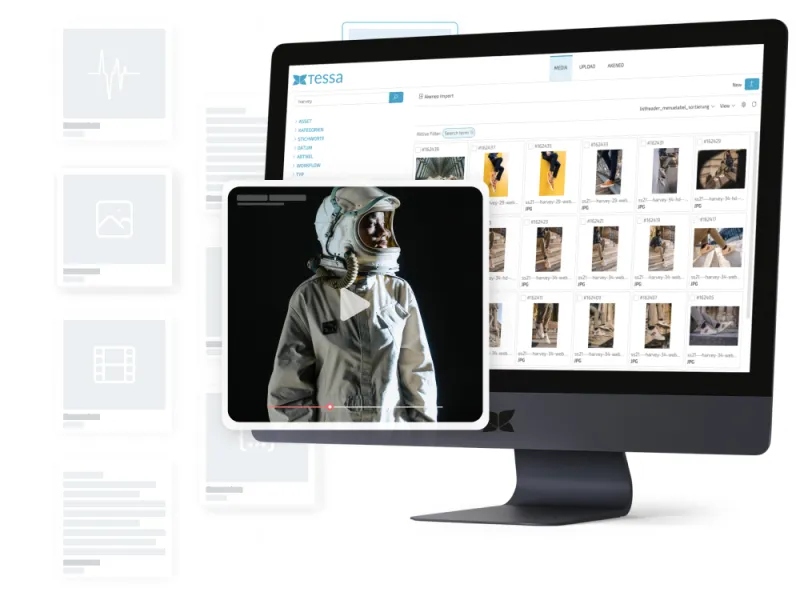
Just before the client meeting, the search for the latest presentation begins. It’s somewhere on the network drive, in SharePoint, or in an old email.
Your solution with TESSA
Intelligent Search
TESSA instantly finds any file by product, campaign, date, or keyword. Frequently used materials can be saved as favorites. Field staff have access to all necessary materials even when on the go.
Challenges
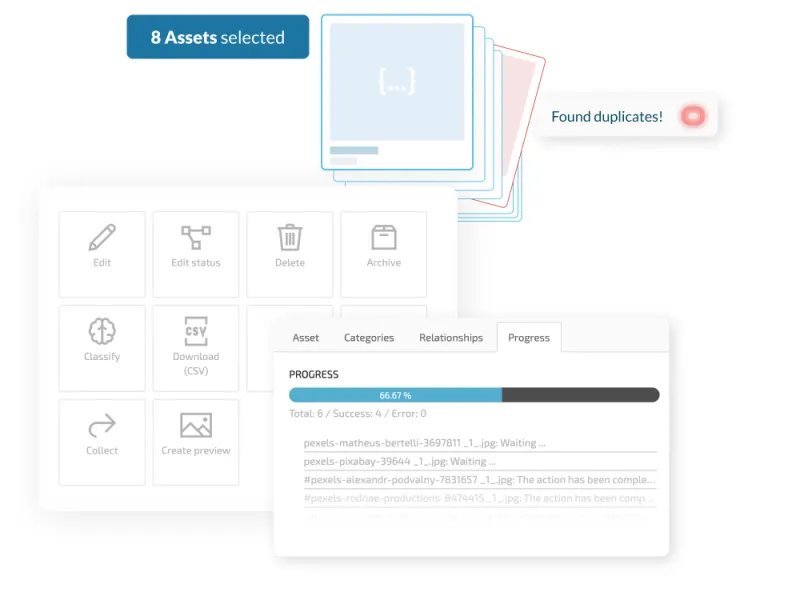
Marketing has updated the price list, but the sales team is still showing customers the old version. No one has actively communicated the new version.
Your Solution with TESSA
Version control and central storage
TESSA always shows the sales team only the currently approved version. Older versions disappear from view without anyone having to actively delete them. When Marketing approves a new version, it is immediately available everywhere. No mass emails, no manual distribution.
Challenges
The presentation is too large to send via email. A WeTransfer link expires, the client can no longer access the files, and no one knows if they even opened them in the first place.
Your solution with TESSA
Create file links from within TESSA
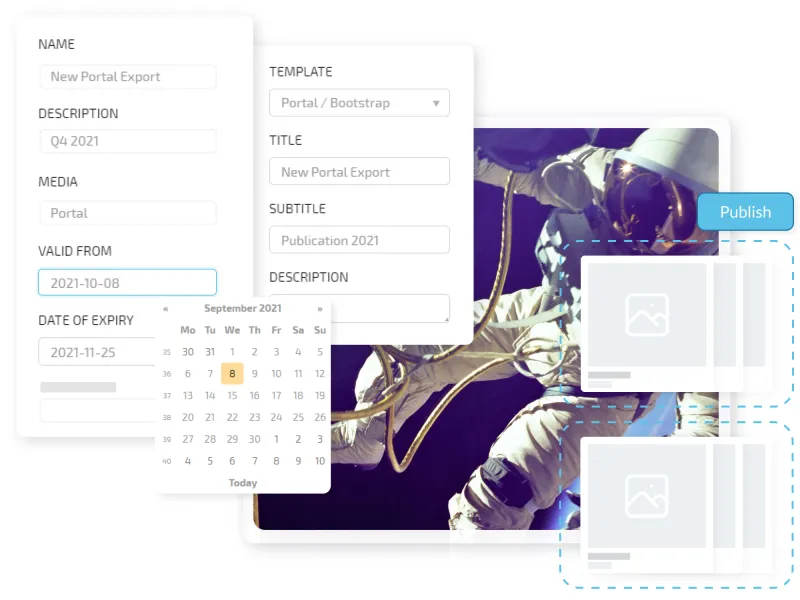
With just a few clicks, the sales team can create a link to the required asset, complete with an expiration date and optional password protection. There is no file size limit. The marketing team can see which content is shared most frequently and identify where documents are missing.
TESSA inspires Users

Additional TESSA features for sales

Media Portal
A portal featuring exactly the materials the sales team needs, organized by product, campaign, and target audience.

CRM Integration
View and share relevant materials directly from the customer record in HubSpot or Salesforce.

Sharing via Workflows
The marketing team is informed about what the sales team most frequently shares and identifies where content is missing.
TESSA Success Stories
Curious to know how leading brands benefit from TESSA?
Stay up to date with our latest TESSA case studies across various industries.