

What means Auto-tagging?
Auto-tagging - also known as automatic tagging - refers to the process of automatically assigning relevant keywords to digital assets such as images, videos, or documents without the need for manual human intervention. The technology analyzes the content of an asset and writes the recognized terms directly into the file’s metadata, enabling it to be easily located within a media library.
The term originally comes from content management and web development but has become particularly established in the field of digital asset management. The challenge is especially clear there: companies often manage thousands or even hundreds of thousands of images, videos, and documents - and without structured tagging, these assets are simply impossible to find. Auto tagging has long been the preferred approach to solving this problem.
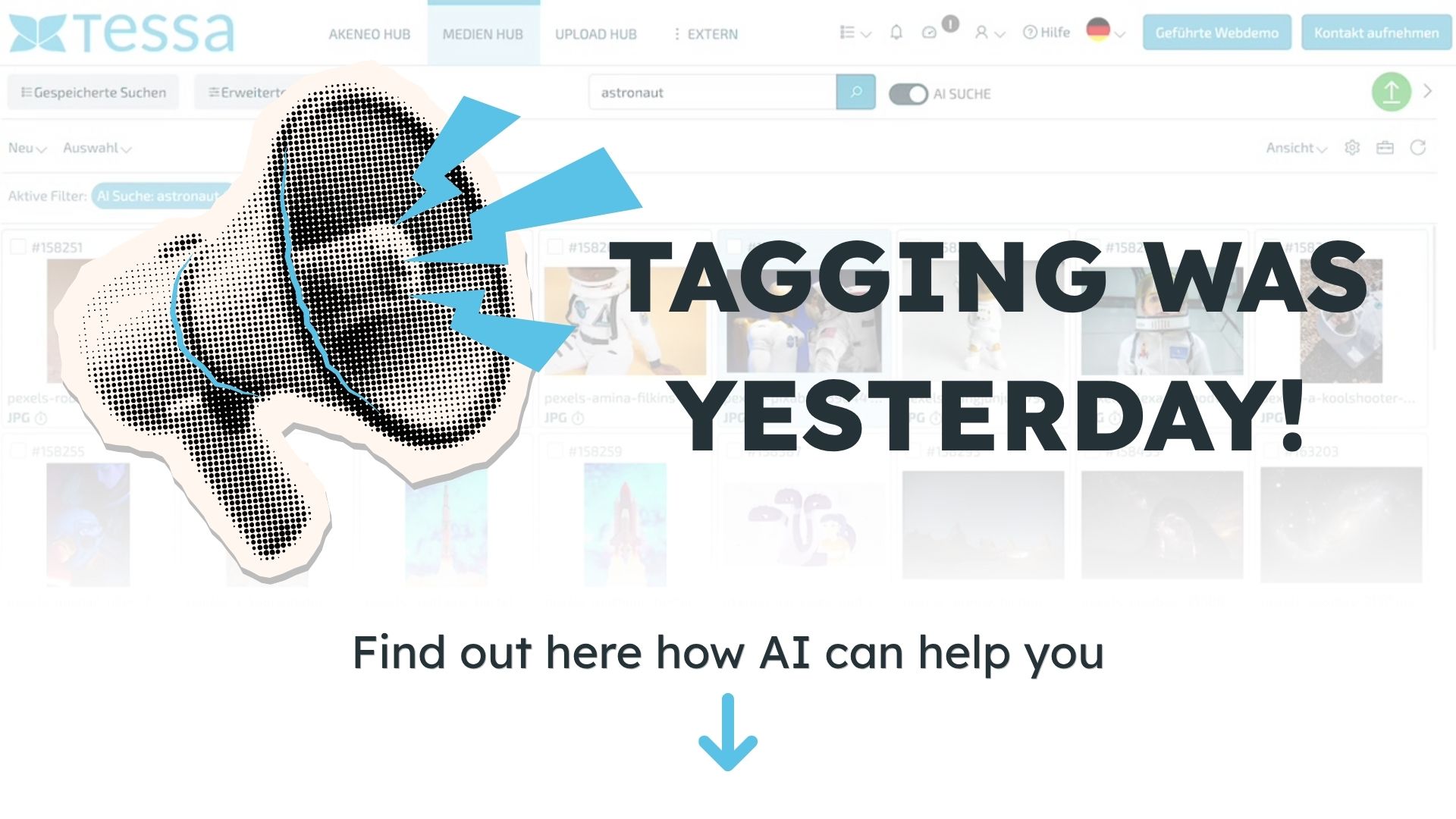
Just enter your name and email address - we'll send you the link to the video for free.
How does auto-tagging work?
Auto Tagging is based on machine learning - more specifically, a combination of computer vision and, depending on the use case, natural language processing. When analyzing an image, the system recognizes visual features such as objects, colors, scenes, people, or moods and automatically assigns keywords to them. For documents, the text content is analyzed instead: keywords, topics, and named entities are extracted and stored as metadata.
The quality of the underlying model is crucial here. Pre-trained models - such as those from Google Vision AI or comparable providers - work very well for general image categories and reliably recognize whether an image shows a dog, an office building, or a sunset. For industry-specific content, however, such as product images with company-internal designations or technical documents with specialized vocabulary, general models quickly reach their limits. This requires either custom training or supplementary manual maintenance.
Another important aspect is the learning ability of modern systems: The more assets are processed and the more feedback - such as corrections from editors—is incorporated, the more precise the suggested tags become over time.

What are the benefits of auto-tagging?
The most obvious benefit is the time saved. What an editor might take two minutes to do for a single image adds up to a significant amount of work when dealing with an archive of 50,000 assets—a burden that auto-tagging reduces to a fraction of the original effort. At the same time, automatic tagging ensures more consistent metadata quality: While people working manually may use different terms for the same object, the system operates according to defined categories and taxonomies.
For companies operating in e-commerce, marketing, or the media sector, this has a direct impact on productivity: campaign materials can be found more quickly, product images can be filtered more precisely, and historical archive collections become truly usable for the first time. Auto-tagging is also scalable—growing asset volumes are processed without a proportional increase in personnel costs.
What are the limitations of auto-tagging?
As useful as auto-tagging is in practice, the technology has clear limitations that companies should be aware of when using it. The most important one concerns accuracy: General models work well for generic image categories, but they do not recognize internal product names, industry-specific terminology, or contextual nuances that can only be understood through company-specific knowledge. Anyone expecting the system to automatically distinguish between two similar product variants will be disappointed.
There are also data protection issues: As soon as auto-tagging is applied to images showing people - such as employee photos, event images, or customer photos - the requirements of the GDPR apply. This must be carefully reviewed before implementation, especially if the analysis runs through external cloud services.
For many companies, a hybrid model has therefore proven effective: Auto Tagging handles the majority of tagging as an automatic suggestion, and an editor reviews and supplements the results where precision is particularly important. This eliminates most of the manual effort without sacrificing quality control.
Where is auto-tagging used?
Auto-tagging is used wherever large volumes of digital assets need to be managed. In e-commerce, product images are automatically tagged with attributes such as color, material, or product category, which facilitates internal search and automatic display on product pages. Media companies use the technology to make news images and archive collections quickly accessible - an archive of historical images that could previously only be accessed through manual cataloging becomes searchable in a short amount of time.
Marketing teams benefit from the fact that campaign materials are consistently tagged and can thus still be found specifically even months later. And in publishing, auto-tagging helps structure growing image archives containing thousands of images without the need to hire a full-time editor.
Conclusion
Efficient Resource and Process Management
Auto-tagging has fundamentally transformed the way companies manage their media libraries. The technology is now an established component of modern digital asset management systems and has made manual tagging virtually obsolete in many areas. At the same time, it is just one step in a rapid evolution: AI-powered systems now go further, enabling images to be found directly through object recognition - without the need to assign tags at all. Auto tagging thus remains relevant as a concept and as a starting point, but it is no longer the only approach.


